
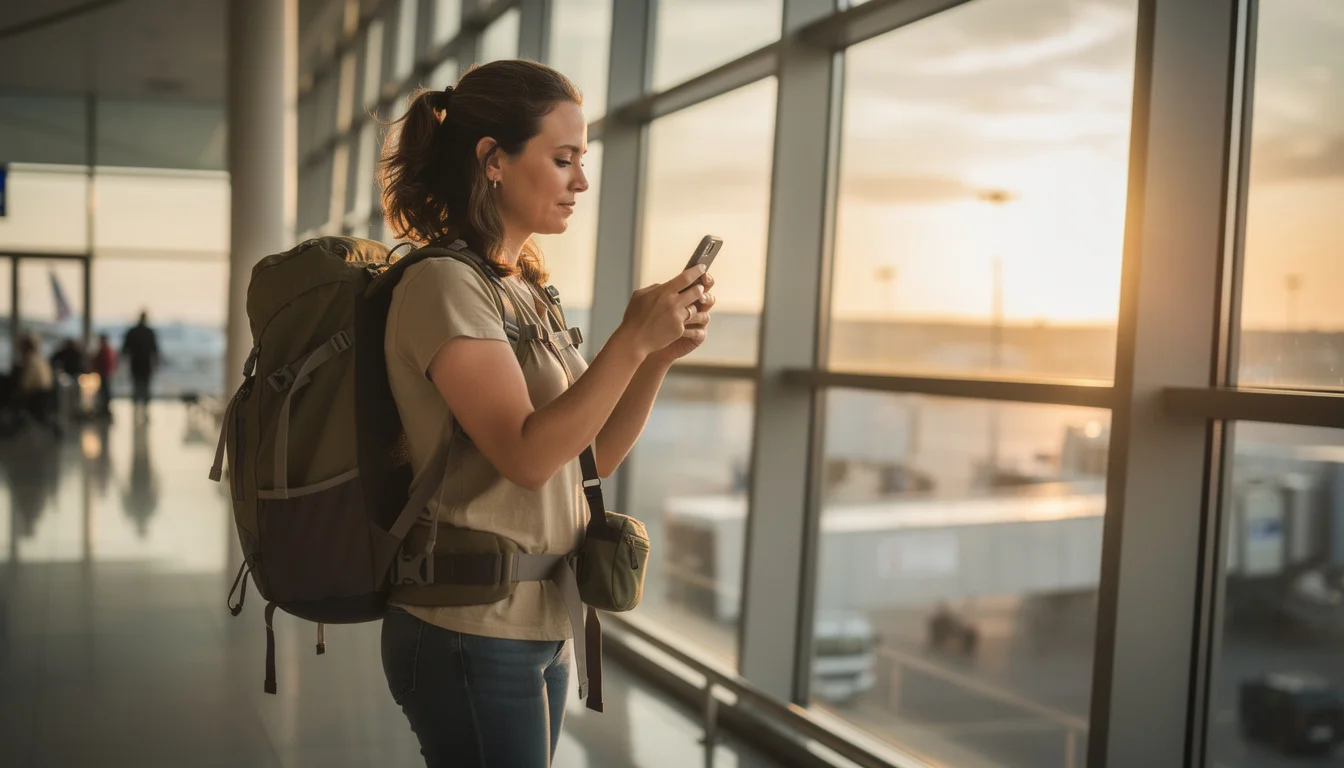
- Do You Need a SIM Card, eSIM, or WiFi Egg for Korea?
- Prepaid SIM Cards in Korea: How and Where to Buy One
- eSIM for Korea: How It Works and Who It’s Best For
- WiFi Egg (Pocket WiFi) Rental: How It Works and Who It’s Best For
- Carrier Roaming: When SKT, KT, or LG U+ Makes Sense
- SIM vs eSIM vs WiFi Egg: Which Should You Choose?
- Need Help Getting Connected?
- SIM, eSIM & WiFi: Your Questions Answered
- Do You Need a SIM Card, eSIM, or WiFi Egg for Korea?
- Prepaid SIM Cards in Korea: How and Where to Buy One
- eSIM for Korea: How It Works and Who It’s Best For
- WiFi Egg (Pocket WiFi) Rental: How It Works and Who It’s Best For
- Carrier Roaming: When SKT, KT, or LG U+ Makes Sense
- SIM vs eSIM vs WiFi Egg: Which Should You Choose?
- Need Help Getting Connected?
- SIM, eSIM & WiFi: Your Questions Answered
Landing in Korea with zero data can turn a smooth trip into a stressful one.
SIM card, eSIM, WiFi egg, or just roaming on your home plan: which one actually fits how you travel?
This guide breaks down each option so you can get connected before you even leave the airport.
Do You Need a SIM Card, eSIM, or WiFi Egg for Korea?
Most travelers need data the moment they land. Three options are realistic: a prepaid SIM card, an eSIM, or a WiFi egg. Roaming on your home plan works too, but it’s usually the priciest route.
Traveling solo and fine with swapping out your home SIM? A prepaid SIM card is the simplest pick. It gives you unlimited data for a set number of days, commonly 1 to 90, and you grab it right after you land.
An eSIM skips the physical card. You install a data plan by scanning a QR code, often before you board your flight. That suits people whose phones support it and who want to keep their home number live for calls and texts.
A WiFi egg is the better fit for groups or families sharing one connection, since everyone connects to a single portable router instead of buying multiple SIMs.
Quick breakdown:
- Traveling alone with an old or dual-SIM phone → SIM card
- Traveling with a modern eSIM-compatible phone and want zero physical swapping → eSIM
- Traveling with 2 or more people who want to share one connection, or carrying a laptop/tablet that needs WiFi → WiFi egg
- Want to keep using your home number with no setup at all and don’t mind paying more → carrier roaming
Where can I sort all of this out in one place?
Korea’s major airports (Incheon, Gimpo, Gimhae, and Jeju) all have telecom roaming centers run by the local carriers where you can register for roaming, buy a SIM card, or rent a WiFi egg or rental smartphone in one stop.
Prepaid SIM Cards in Korea: How and Where to Buy One
A prepaid SIM is a physical card you swap into your phone. It comes with a Korean number and unlimited data for a fixed period, and it generally undercuts roaming through your home carrier.
Plans are sold by the day, from one day up to about 90. Match the card to your trip length and you won’t pay for data you never use.
Buy one after you land. CU inside Incheon International Airport stocks prepaid SIM kits, as do 7-Eleven locations in Seoul, Busan and Jeju.
Prefer to have it waiting? Pre-order online through a site like krsim.net before you fly. It’ll be ready to collect, or shipped to your hotel.

Steps to Buy a Prepaid SIM Card
- Decide how many days you need data for (match it to your trip length, not longer)
- Choose a pickup point: airport convenience store counter, downtown 7-Eleven, or a pre-order site like krsim.net
- Bring your passport, since Korean telecom vendors generally register SIM purchases against a photo ID
- Have the staff (or the pre-order instructions) swap the SIM into your phone and confirm the data connection works
- Keep your original home SIM somewhere safe, since you’ll need it again once you’re back home
- Best for: solo travelers who don’t mind losing access to their home number for the trip
- Works with: any unlocked phone that takes a physical SIM tray
- Watch out for: your home number won’t receive calls or texts while the Korean SIM is inserted, unless your phone supports a second SIM slot
eSIM for Korea: How It Works and Who It’s Best For
An eSIM is a digital SIM profile that gets installed directly onto your phone by scanning a QR code, so there’s no physical card to insert, swap, or lose.
Being digital, it can be bought and installed before you leave home. Sites like esimkorea.net sell Korea eSIM plans and email you the QR code. The plan is then ready to activate the moment you land, or earlier if you want to test it.
Here’s the real advantage over a physical SIM. Many phones run an eSIM alongside your home SIM at the same time, so calls and texts keep arriving on your regular number while you browse on Korean data.
The catch: not every phone supports eSIM. Check your device settings before you buy.
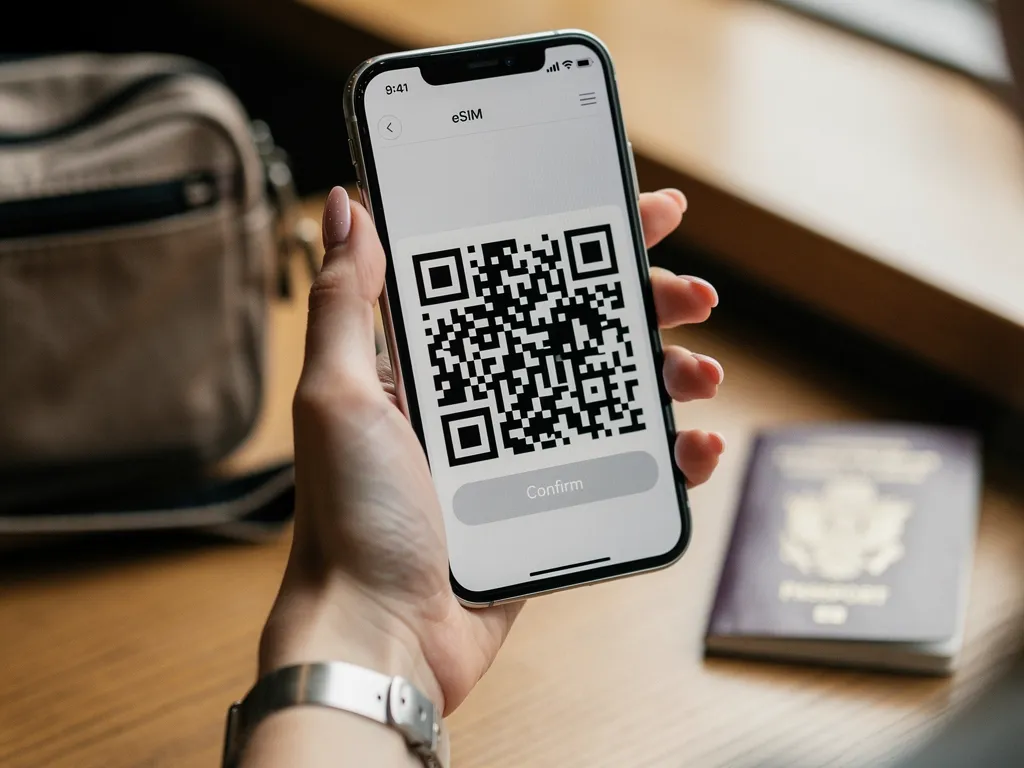
How do I check if my phone supports eSIM?
Check your phone’s settings menu (usually under Settings → Cellular/Mobile → Add eSIM or similar) before you buy. Most phones released in the last few years support it, but it’s worth confirming rather than assuming.
- Best for: travelers with an eSIM-compatible phone who want to keep their home number active
- Works with: eSIM-compatible unlocked phones only
- Watch out for: installation needs a WiFi connection, so set it up before you leave home rather than at the airport
WiFi Egg (Pocket WiFi) Rental: How It Works and Who It’s Best For
A WiFi egg is a small portable router that makes its own hotspot. Several phones, tablets and laptops share one connection, so no device needs its own SIM.
You rent one at the airport roaming counters run by KT, SK Telecom and LG U+ at Incheon, Gimpo, Gimhae and Jeju. Collect it when you land, carry it in a bag or pocket, and return it at the counter before you fly home.
For groups and families it’s a strong choice, since one rental covers everyone. Solo travelers with a laptop or tablet to connect benefit too.
Two things to plan around: keeping it charged all day, and returning it before departure. It’s a rental, not something you keep.
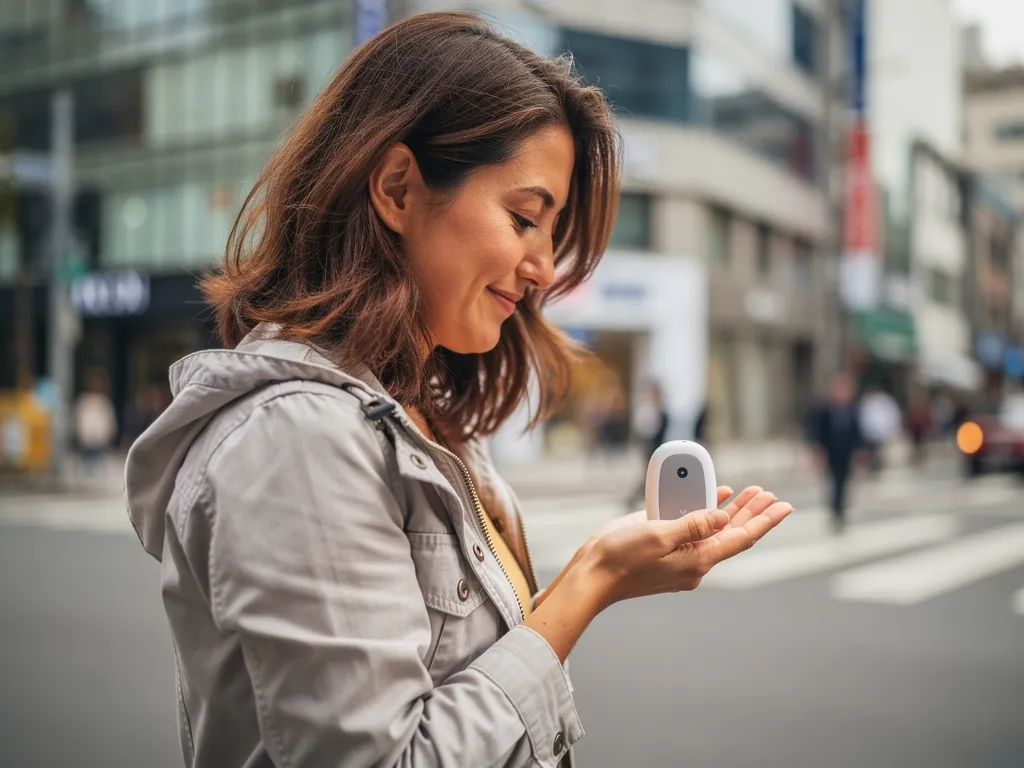
Keep it charged, and check your battery/power bank rules before you fly.
A WiFi egg runs on its own internal battery, so plan to recharge it (or carry a power bank) if you’re out all day. If you’re bringing a spare battery or power bank for it, check our guide to flying with spare batteries and power banks to Korea first, since airline carry-on rules apply.
- Best for: groups, families, or anyone connecting more than one device at once
- Works with: any WiFi-enabled device, including phones, tablets, laptops, and cameras
- Watch out for: it’s data only (no calls/texts on it), and you’re responsible for returning it before your flight
Carrier Roaming: When SKT, KT, or LG U+ Makes Sense
Roaming means leaving your home SIM exactly where it is. Your carrier connects you to a Korean network, usually SKT, KT or LG U+, for the length of your trip.
Nothing to swap, scan or collect. With many carriers it activates by itself the moment you land, or after you add a roaming plan through their app before departure.
The tradeoff is cost. Roaming plans usually run pricier than a local prepaid SIM or eSIM carrying the same data, which is why Visit Korea points out that prepaid SIM cards generally cost less while still offering unlimited data.
Roaming makes most sense on short trips of a day or two, or for anyone who simply doesn’t want to touch their SIM tray.
Want to roam through a Korean carrier directly instead of your home provider? All three run roaming programs with English-language information: KT (roaming.kt.com), SK Telecom (troaming.tworld.co.kr) and LG U+ (www.lguplus.com). Registration desks for all three sit in the airport roaming centers mentioned earlier.
SIM vs eSIM vs WiFi Egg: Which Should You Choose?
The right choice comes down to how many people and devices need to connect, and whether keeping your home number active matters to you.
- Solo travelers with an older or non-eSIM phone tend to do best with a prepaid SIM card, since it’s cheap and widely available at the airport the moment they land.
- Travelers with a modern eSIM-compatible phone who want their home number to keep working usually prefer an eSIM, since it installs before departure with no physical swap.
- Groups, families, and anyone juggling a laptop or tablet alongside a phone are usually better off with a WiFi egg, since one rental covers every device at once.
- Travelers on a very short trip who’d rather pay a bit more than deal with any setup at all can simply roam on their home carrier through SKT, KT, or LG U+.
| Option | Best for | Setup | Typical duration |
|---|---|---|---|
| Prepaid SIM Card | Solo travelers, budget-conscious | Physical swap at airport or convenience store; passport usually needed | 1 to 90 days |
| eSIM | eSIM-compatible phones, want to keep home number | Scan a QR code, install before or after landing | 1 to 90 days |
| WiFi Egg (Pocket WiFi) | Groups, families, multi-device travelers | Rent and return at airport roaming counter | Daily rental, data only |
| Carrier Roaming | Short trips, want zero setup | Activate via home carrier app or automatically on arrival | Follows your home plan’s billing cycle |
Need Help Getting Connected?
If you haven’t finished sorting out your visa, K-ETA, or entry paperwork yet, it’s worth handling that before you worry about SIM cards. Check our Korea entry guide to visas and K-ETA first.
And once you’ve cleared immigration and customs at the airport, the telecom roaming counters are usually just a short walk from the arrivals hall. See our guide to immigration and customs in Korea for what to expect right before you get there.
Once you’re connected, see our guide to must-have travel apps in Korea for what to download first, and our Korea travel budget guide for how a SIM, eSIM, or WiFi egg fits into your overall trip costs.
Also Free: Public WiFi Around Korea
Worth knowing even if you’ve sorted your data: free public WiFi covers most public places in Korea, including airports, subway and train stations, and bus stops. Need a full computer? 24-hour PC bangs (internet cafés) are everywhere.
None of that replaces mobile data while you’re moving. It’s a useful backup when your battery is dying or you’re waiting on a rental pickup.
Official Resources
SIM, eSIM & WiFi: Your Questions Answered
It depends on your phone and how many people need to connect. Solo travelers with a non-eSIM phone usually do best with a prepaid SIM card; travelers with an eSIM-compatible phone who want to keep their home number active usually prefer an eSIM; and groups or families sharing one connection are usually better off with a WiFi egg.
Yes. Sites like krsim.net let you pre-order a prepaid SIM online before your flight, so it’s ready for pickup shortly after you arrive instead of waiting in line at the airport counter.
Yes, that’s its main advantage over a SIM or eSIM: a single WiFi egg creates one shared hotspot that multiple phones, tablets, and laptops can connect to at the same time, which is usually cheaper than buying a SIM for every person in a group.
Generally yes. Korean telecom vendors typically register SIM and eSIM purchases against a photo ID, so bring your passport when you pick up or activate one, and double-check the specific requirements of whichever vendor or carrier you’re using.
You’ll want to go with a prepaid SIM card or a WiFi egg instead. Check your phone’s settings before you fly (usually under Settings → Cellular/Mobile) to confirm whether eSIM is even an option for your device.
Free public WiFi is available in most airports, subway stations, train stations, and bus stops, plus 24-hour PC bangs (internet cafes) if you need a full computer. It’s a useful backup, but it won’t give you continuous coverage while you’re out exploring, so most travelers still pair it with a SIM, eSIM, or WiFi egg.
Yes. Roaming through your home carrier, or through a Korean carrier like SKT, KT, or LG U+, requires the least setup since your existing SIM stays in place. It’s typically more expensive than a local prepaid SIM or eSIM for the same amount of data, so it tends to suit short trips more than longer stays.
At the telecom roaming counters run by KT, SK Telecom, and LG U+ inside Incheon, Gimpo, Gimhae, and Jeju airports. You pick it up when you land and return it at the same type of counter before you fly home.
Whichever option you pick, sort it before you land. Hunting for WiFi in an arrivals hall with no data is a bad way to start a trip.
KT, SK Telecom and LG U+ handle carrier-specific questions directly. For everything else, the Foreigners’ General Information Center is on 1345, weekdays 09:00-22:00.



Comments
Leave a comment